
Features
- Today's quote1,100 quotes across 11 themes — affirmation, gratitude, comfort, growth, love, courage, wisdom, happiness, peace, Scripture and more — with checked sources.
- Home Screen widgetSee today's quote, flip to the next one, save it with a heart and share it as an image without opening the app.
- Share the goodTurn any quote into an image with a background photo. Text colour adapts to each photo so it always stays readable.
- CommunityShare today's gratitude and words of encouragement anonymously, and cheer each other on with warm reactions.
- A safe spaceEvery post is reviewed automatically before it goes public, and you can report or block anything that bothers you.
- Collection & themesKeep and search your favourite quotes. 10 background themes inspired by nature and the seasons.
Screens
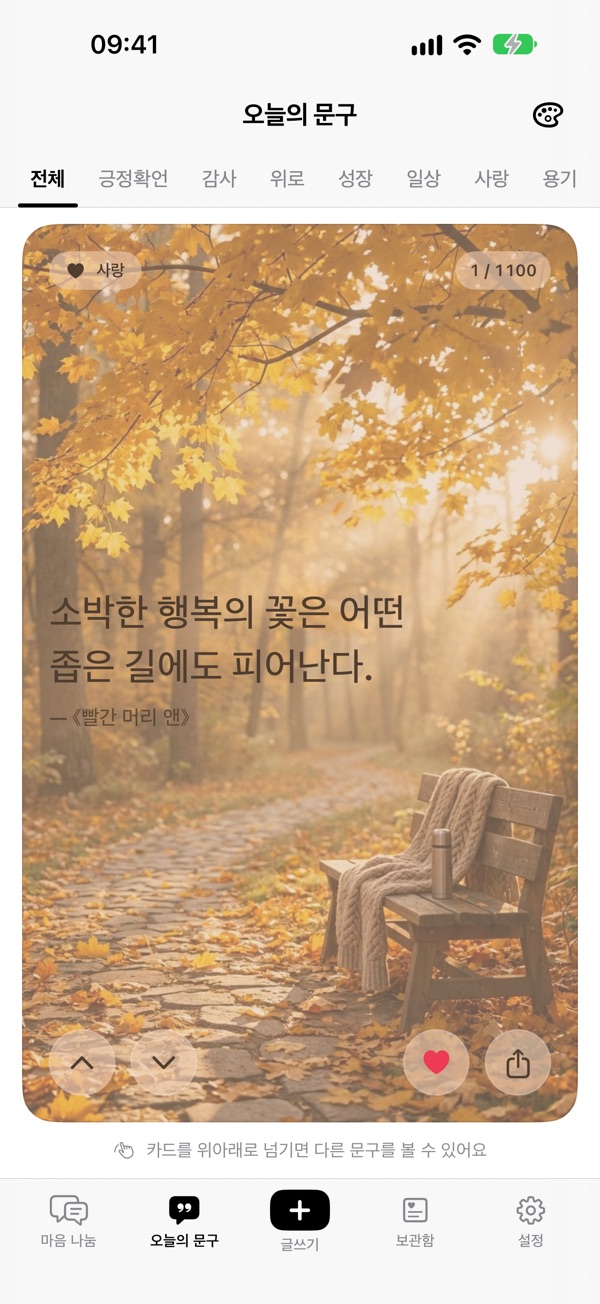
Today's quote with a theme 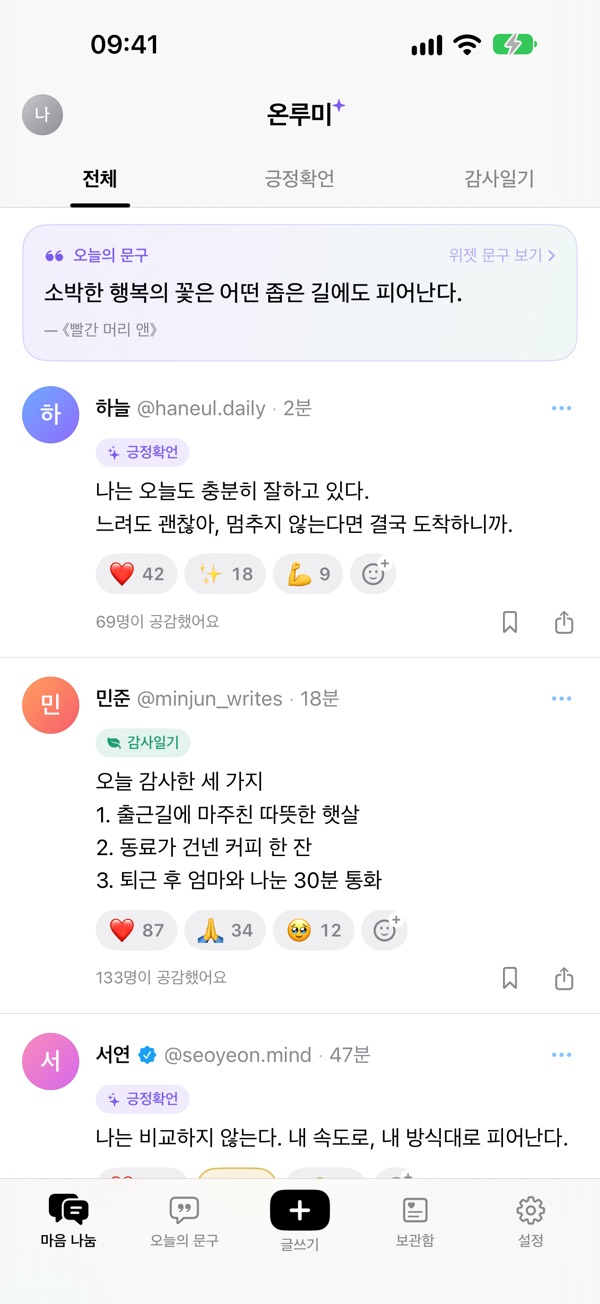
Community feed 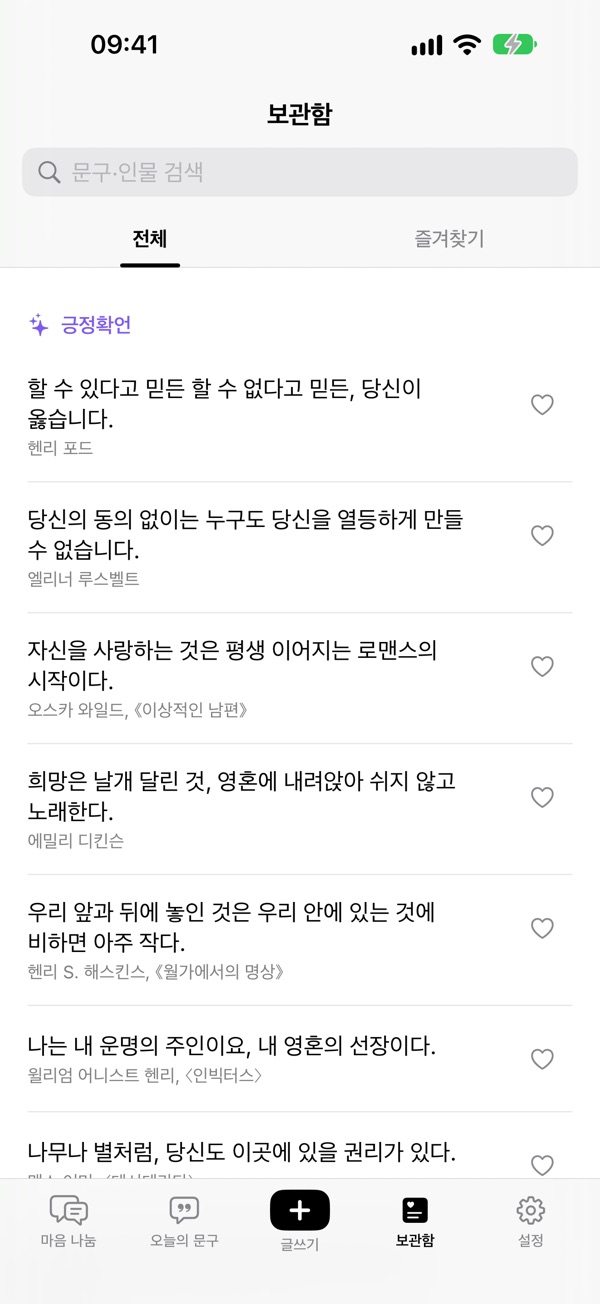
Collection and search 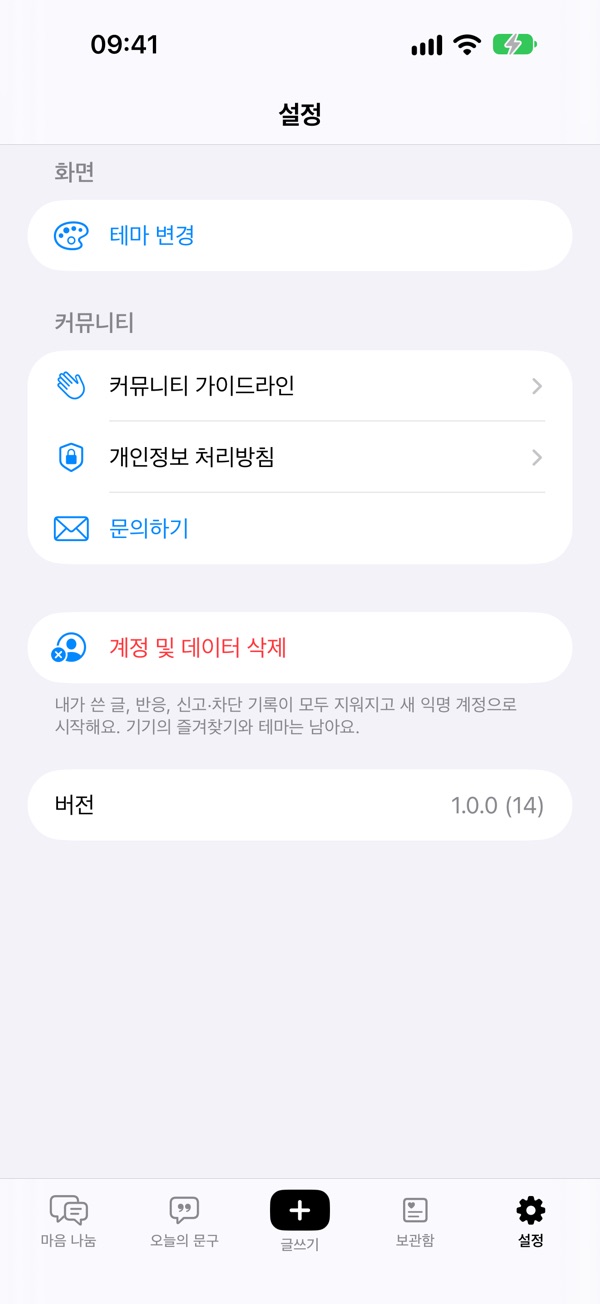
Community rules and account deletion
FAQ
What is Onlumi?
An iPhone app that shows one good quote or Bible verse a day in the app and on a Home Screen widget, together with an anonymous community for sharing gratitude and affirmations. Free, iOS 17 or later.
How do I add the widget?
Touch and hold an empty area of the Home Screen, tap + in the top-left corner and choose Onlumi. Medium and large widgets have next, favourite and share buttons.
Do I need an account?
No. An anonymous per-device account is created on first launch. We never ask for your name, email or phone number.
I saw a post that bothers me.
Use the ⋯ menu on the post to report it or block the author. Blocked authors disappear right away; posts reported by several people are hidden and reviewed.
Which Bible translation is used?
Bible verses are quoted exactly from the Korean Revised Version (개역개정) published by the Korean Bible Society. Quotes are shown in Korean.
How is my data handled?
Favourites and themes stay on your device. Community posts and reactions are stored on our server and you can delete everything in Settings › Delete account and data. We collect only anonymous crash reports and usage statistics, and never use the advertising identifier (IDFA). See the Privacy Policy.