
- Age
- 4+
- Years Old
- Category
- Photo & Video
- Developer
- Team Cumulus
- Language
- EN
- + 6 More
- Size
- 5.2
- MB
Lifestamp: Date Stamp Camera at a glance
Lifestamp is a free iPhone camera app that stamps the date and time of the moment you press the shutter onto your photo, like a film camera, and lets you change the stamp after shooting.
Great for
- People who want a film-camera-style date on their photos
- Travel, family and everyday photos where you want the date to show
- Anyone who wants to change the stamp style after shooting
- People who want their photos kept on their device, with no sign-up
Not the right fit if
- You want to add dates to photos already in your Photos library (Lifestamp only stamps photos taken in the app)
- You use an Android phone (there is no Android version)
- Your iPhone runs a version earlier than iOS 17
Screenshots
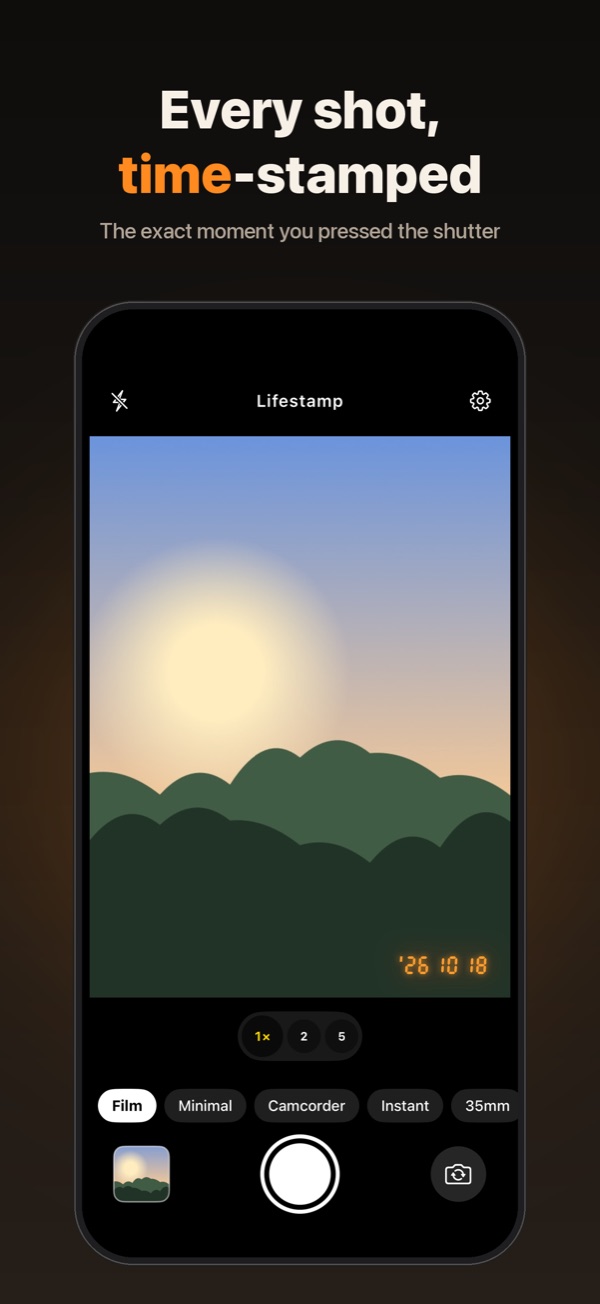
A camera that stamps the moment 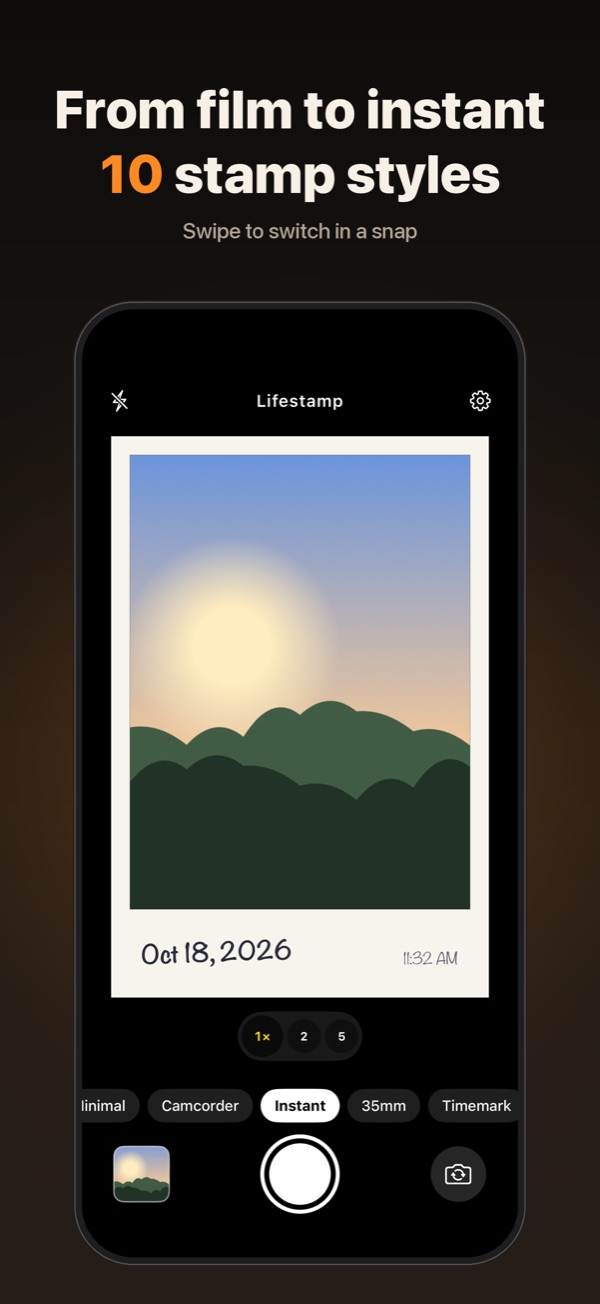
10 stamp styles 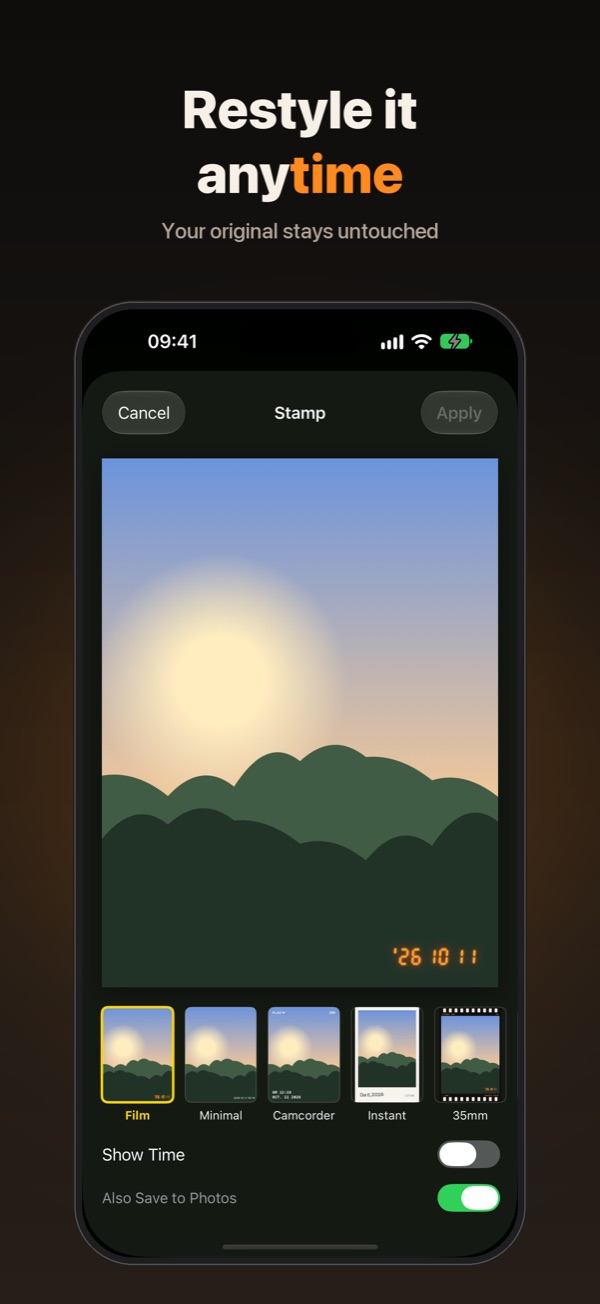
Change the stamp anytime 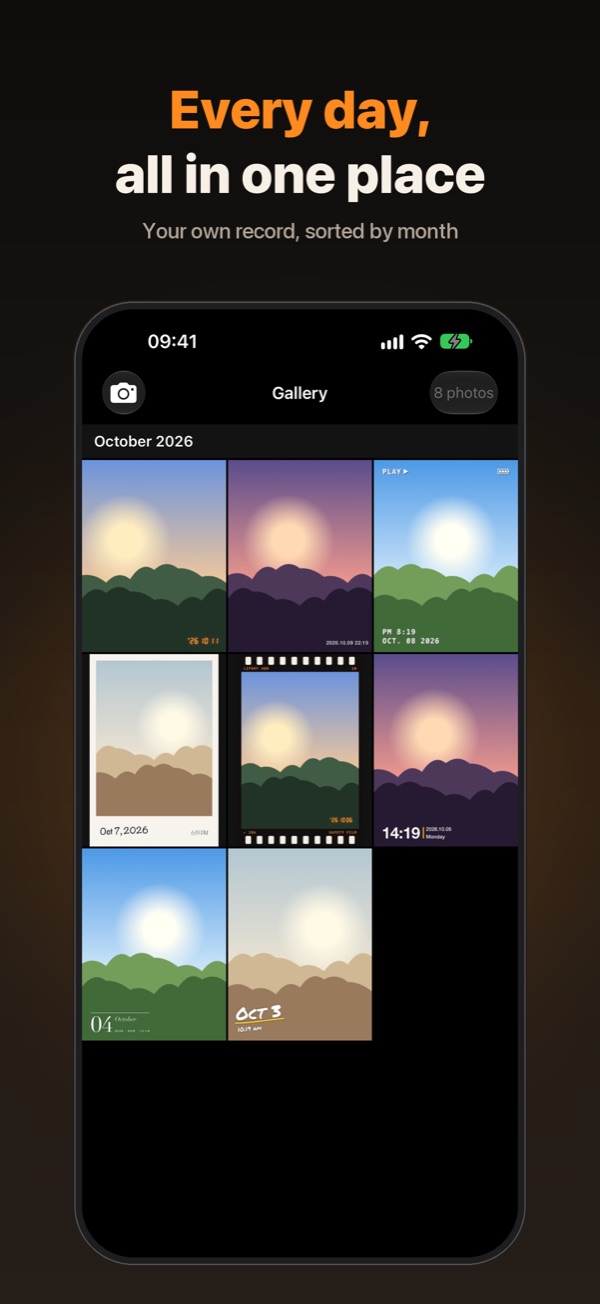
A gallery sorted by month 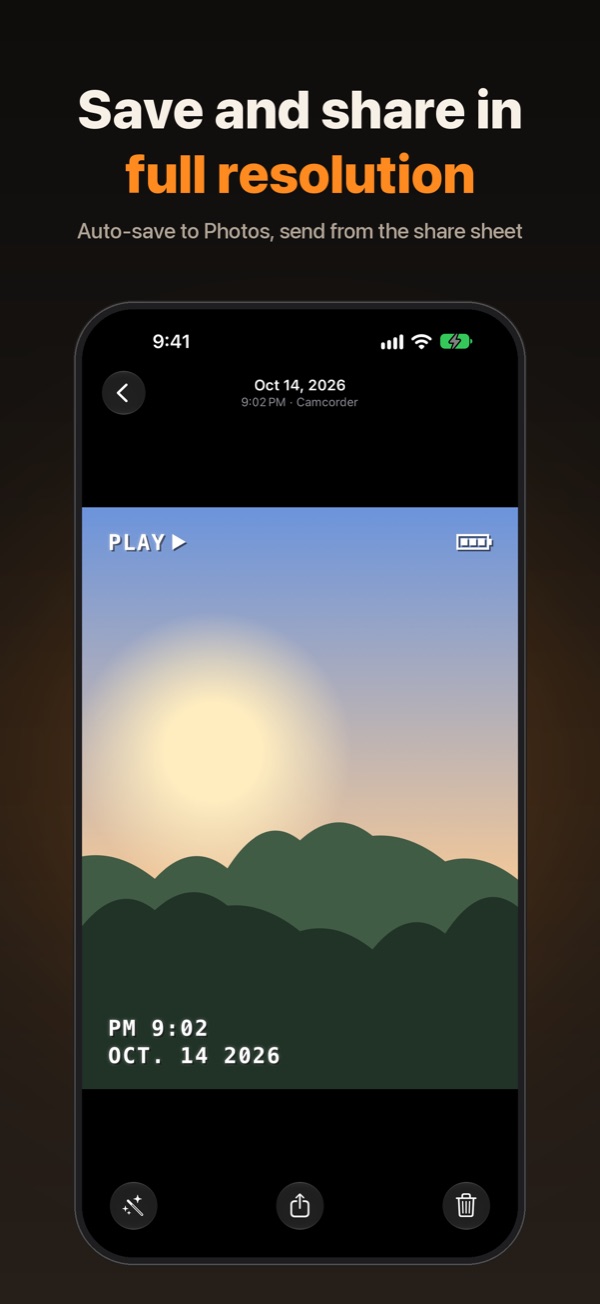
Save and share in full resolution
The iPhone camera doesn't put the date on your photos
An iPhone photo keeps its capture time only in hidden metadata, which is easy to lose when you send it in a chat or post it online. To show the date on the picture itself, you'd have to add text in an editing app, one photo at a time.
Lifestamp stamps the date and time directly onto the photo as you shoot. What you see in the preview is what gets saved, and the unstamped original is kept too, so you can change the style later.
Features
- Capture-time stampThe date and time you press the shutter appear on the photo exactly as in the preview.
- 10 stamp stylesSwipe left or right to switch between film, camcorder, instant and more.
- Change it laterYour original is kept, so you can change the style or hide the time again and again.
- Ultra Wide to telephoto0.5× Ultra Wide, lens buttons and pinch to zoom, front camera and flash.
- Full resolutionAuto-save to Photos and send the original straight from the share sheet.
- Your photos stay yoursPhotos are never uploaded. No sign-up, no ads.
- Film
- Minimal
- Camcorder
- Instant
- 35mm
- Timemark
- Magazine
- Scribble
- Sticker
- Marker
What's New
- Lifory is now Lifestamp. Your photos and features stay just the same.
- Made for Instagram Stories. Tap Share › Share for Stories to fill the screen, with your stamp and frame fully in view.
Today's shot, stamped with today's time.
How to add a date stamp to iPhone photos
- Install Lifestamp from the App Store and allow camera access.
- Tap a stamp name at the bottom of the screen, or swipe left or right, to pick a style.
- Press the shutter. The date and time of that moment are stamped onto the photo.
- To change the style later, open the photo in the gallery and tap Change Stamp.
With "Auto-Save to Photos" on, stamped photos are also saved to the Photos app (Settings, top right of the camera screen).
Frequently asked questions
How do I put the date on my iPhone photos like a film camera?
The built-in iPhone Camera app doesn't stamp the date onto photos. When you shoot with Lifestamp, the date and time of the moment you press the shutter are stamped onto the photo, like the orange date in the corner of a film print, and saved exactly as they look in the preview.
What is Lifestamp?
Lifestamp is an iPhone camera app that stamps the capture time onto your photos. You can choose from 10 stamp styles, including Film, Camcorder, Instant and 35mm. It's free on the App Store and works on iOS 17 or later, in English, Korean, Japanese, Chinese, Spanish, French and German.
Can I change the stamp on a photo I already took?
Yes. Lifestamp keeps the unstamped original in the app. Open the photo in the gallery and tap Change Stamp to change the style or show or hide the time as many times as you like.
Which date and time does the stamp use?
The date, time and time zone of your device at the moment you press the shutter. If you shoot abroad, the local time there is stamped.
Can I add a date stamp to photos from other apps or the Photos app?
No. Lifestamp only stamps photos taken in the app, so the time is always the real moment of capture. It doesn't read existing photos in your Photos library.
Does the stamp reduce photo quality?
No. The stamp is added at the camera's full resolution, and auto-saving to Photos and sharing keep the original aspect ratio and resolution.
Does the stamp stay in place when I shoot in landscape?
Yes. When you turn your iPhone sideways, the stamp rotates to match the photo.
Is Lifestamp free? How does it handle my privacy?
It's free, with no ads and no sign-up. Your photos and their capture times stay on your device and are never uploaded. To improve the app, it collects only anonymous error reports and usage statistics, and it doesn't use the advertising identifier (IDFA). See the privacy policy for details.
Is Lifestamp available on Android?
No. Lifestamp is an iPhone app for iOS 17 or later, and there is no Android version.
App Privacy
- Data collectedTo improve the app, it collects only anonymous error reports and usage statistics, and it doesn't use the advertising identifier (IDFA).
- Stays on your deviceYour photos and their capture times stay on your device and are never uploaded.
Summarized from our privacy policy.
Information
- Developer
- Team Cumulus
- Size
- 5.2MB
- Category
- Photo & Video, Lifestyle
- Compatibility
- iPhone · Requires iOS 17.0 or later
- Languages
- English, French, German, Japanese, Korean, Chinese, Spanish
- Age Rating
- 4+
- Price
- Free
- Released
- October 12, 2026
App Store information checked:
A time for every photo
So you'll always remember when an ordinary day happened. Lifestamp is free on the App Store.
Get Lifestamp on the App Store